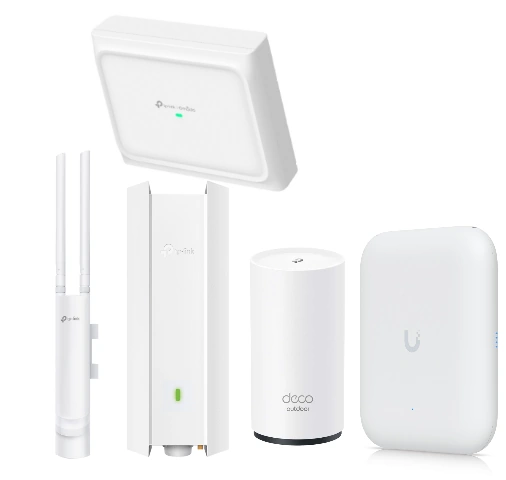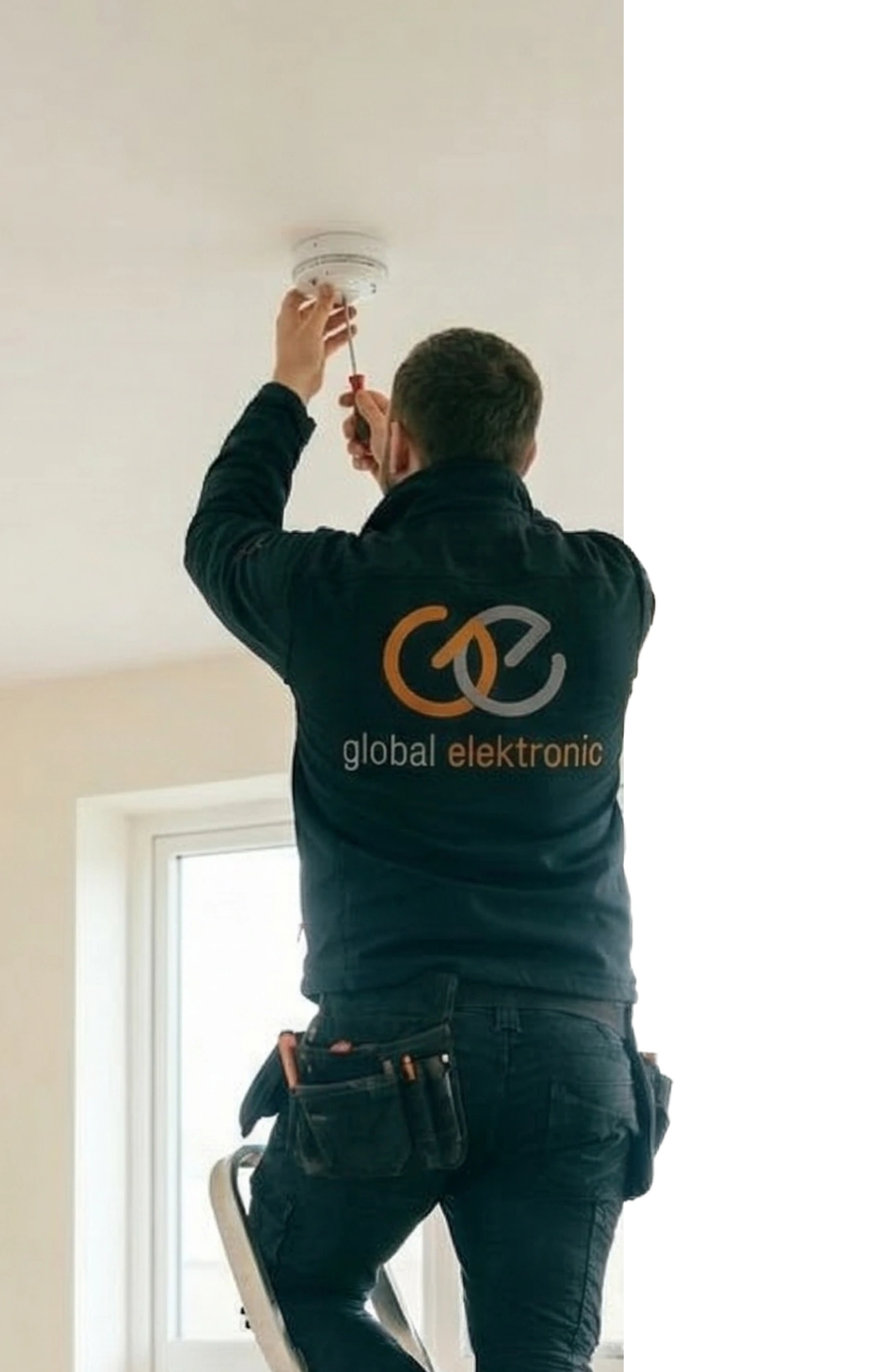
Dead zones
We solve "here it doesn't work" – stairs, upper floor, bedroom, garage. Proper placement of points, Mesh Wi‑Fi, or wired APs help.
Measure the signal in the house →
We measure the signal, design coverage, and set up the network so it works reliably – in the living room, home office, kids' room, and on the terrace. We are a direct TP‑Link partner (Deco/Omada), but we also work with other proven brands.
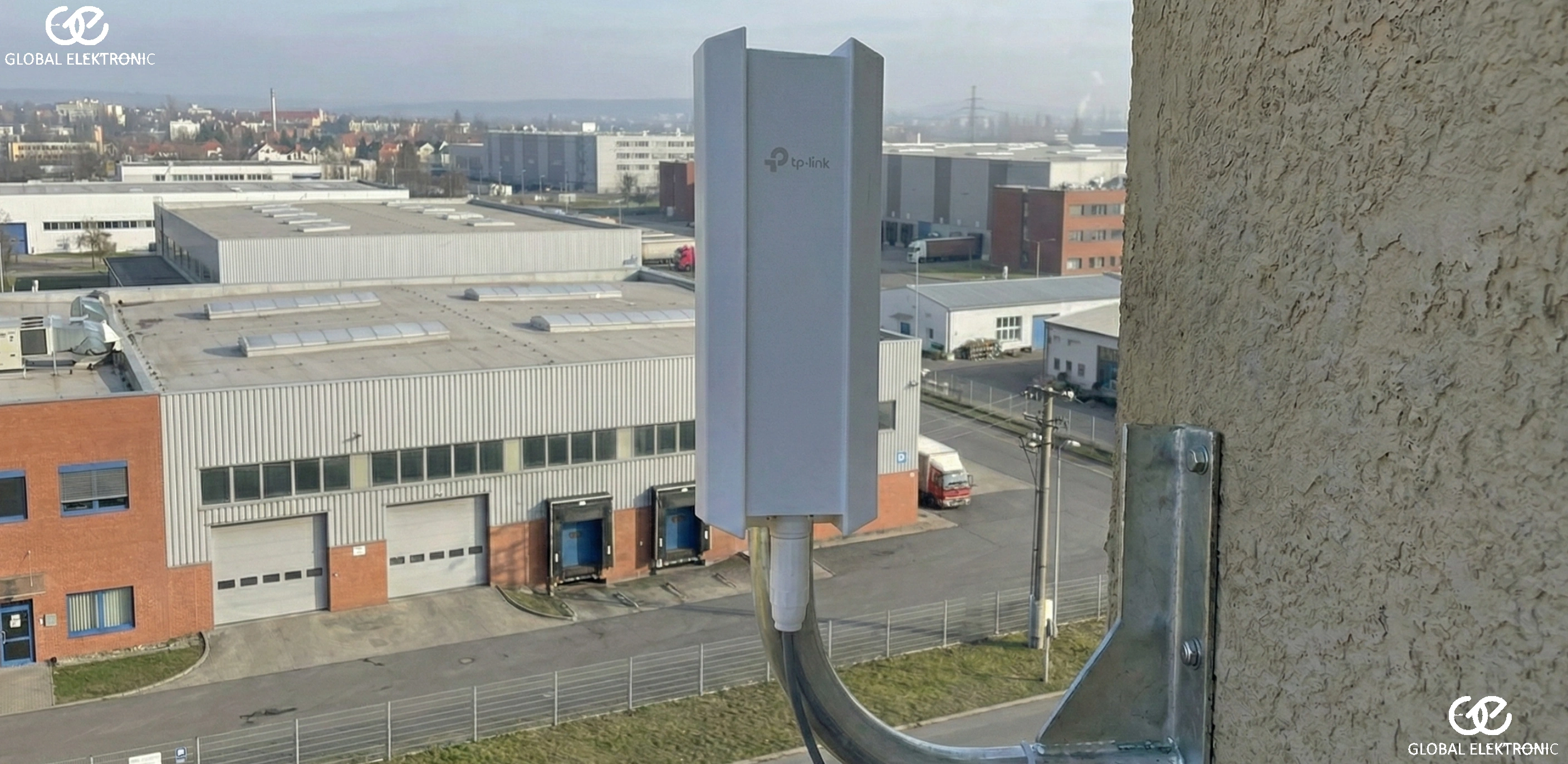
The competition sells boxes. We sell a reliable connection to the world. We design the network so it can handle work, school, and entertainment for the whole family all at once.
Not just the living room, but also the bedroom, garage, or terrace. We eliminate dead zones once and for all.
Mesh vs. wired access points? We decide for you based on the layout and wall construction.
Move between floors without interrupting a video call. Your devices switch smoothly and instantly.
WPA3 encryption and a separate guest network. Your private data stays safe.
No dangling cables. We use existing wiring or propose aesthetically clean routes.
We design the network with room for cameras, smart home, and other technologies that may come later.
Professional networks for homes
A fast connection is just the start. The most important part is distributing the signal so that the TV in the upstairs bedroom doesn't stutter and Wi‑Fi doesn't drop when you move to the terrace. We design networks based on modern structured cabling and Mesh systems that can handle home office, streaming, and smart home all at once.
Clear, without technical jargon. In 5 steps from the problem to Wi‑Fi you can rely on.
You tell us where the problem is and what you expect (home office, TV, kids, garden, multiple buildings). We arrange a site survey.
We measure the signal and interference, evaluate the router and wiring. We find why Wi‑Fi drops or is slow.
You receive a solution proposal (Mesh/AP, outdoor, building links), an itemised quote, and recommendations based on your budget.
Mounting the devices, possibly cabling, configuring SSID, roaming, channels, security, and real‑world testing.
We hand over the network so it's easy to understand: passwords, access, app, guests, rules. We also offer service and expansion.
Every property is different. Below are the most common situations we handle. The goal is always the same: stable coverage and a network that doesn't annoy you.
Stable Wi‑Fi for streaming, work, and smart home. Emphasis on correct router/Mesh placement and interference from neighbouring networks.
Coverage on multiple floors, through concrete ceilings, and into technical areas. We also cover the terrace and garden.
When coverage is needed across multiple floors, common areas, or with separated access. Focus on stability and management.
Multiple buildings, thick walls, long distances. We link the buildings, provide outdoor coverage, and prepare the network for cameras, gates, or IoT.
Not sure what's best for your home? Send a floor plan / a few photos, or arrange a site survey – we will propose a solution and an indicative price.
I want a design and price Call us: +420 604 310 510We make it a functional whole: equipment, configuration, security, and service. The goal is simple: stable connectivity for the whole household.
We solve "here it doesn't work" – stairs, upper floor, bedroom, garage. Proper placement of points, Mesh Wi‑Fi, or wired APs help.
Measure the signal in the house →We set up roaming so calls or videos don't drop when moving between floors. Ideal for large structured cabling in the house.
I want seamless Wi‑Fi →We measure the spectrum and set channels and bandwidth so the network works even in apartment blocks or dense areas.
Solve interference →We separate IoT devices, set up a stable network for Jablotron alarms and a fast network for TV.
Set up a smart network →We design Wi‑Fi for the garden – weather‑proof outdoor APs that don't pull devices from inside the house.
Cover the garden with signal →We connect the house, barn, workshop, and garage. We use structured cabling or wireless links.
Connect buildings →These are not fixed prices, but a quick orientation. The actual design is based on measurements and your priorities.
Basic stable Wi‑Fi without dead zones
Wi‑Fi throughout the house + terrace / garden
Stable network across the property
Coverage scope (floors, garden), type of solution (Mesh vs. wired APs), complexity of cable routes, number of points, possible building links, and requirements for security / network separation.
A network is not just internet in your browser. It's also clean cabling, properly chosen network components, and well‑configured Wi‑Fi that covers the whole property without spoiling its look.
In practice, you often don't have a "slow internet" problem but a poorly designed home network. One router at the entrance is rarely enough for the upstairs floor, home office, TV, kids' rooms, cameras or smart home. That's why we design internet and Wi‑Fi as a whole – from measurement to coverage to secure configuration.
Sometimes Wi‑Fi for the house is enough, other times we also need to cover the garden, garage, or an outbuilding. And if you want a truly stable network, structured cabling in the house or structured cabling often helps.

The speed from your ISP is only part of the story. Most often, Wi‑Fi is the bottleneck: interference from neighbours, poorly chosen channel, incorrect router placement, concrete ceilings, older devices, or an underpowered router. We will measure, find the weak spot, and propose a solution (Mesh / access points / cabling).
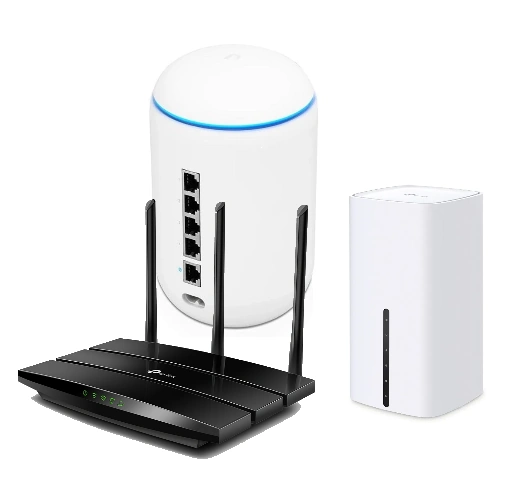
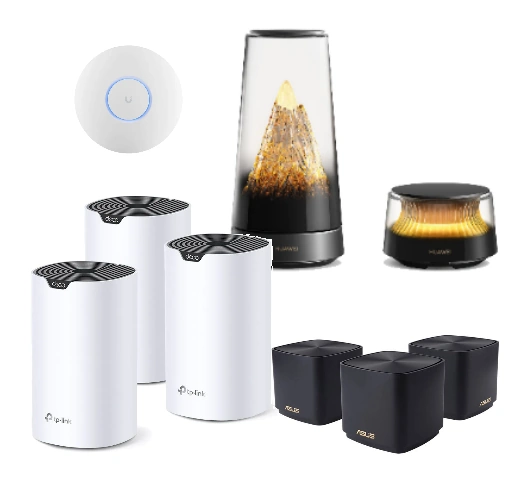
Usually Mesh. An extender often just repeats a weak signal and adds latency. Mesh (e.g., TP‑Link Deco) is designed for seamless roaming between units and stable coverage. For larger properties, the ideal combination is cable + access points (APs).
Typically 2–4 depending on the layout, construction materials (reinforced concrete), number of floors, and requirements (garden, garage). We don’t guess – we measure and design coverage so Wi‑Fi works where you actually use it.
Yes. We offer outdoor Wi‑Fi (weather‑proof APs) and point‑to‑point links between buildings. We focus on stability, correct placement, and secure configuration so that the outdoor network does not degrade the indoor one.
Not always. In finished houses, we often run cables in raceways, under ceilings, in the attic, or along existing routes. Where a cable is not feasible, we use Mesh. Where it is possible, cable is the best – wired APs are the most stable option.
Sometimes it is, but often it is the weak link. ISP routers are a compromise. If you want stable Wi‑Fi throughout the property, secure separation of devices (guests/IoT), and good roaming, it often pays to use your own router + Mesh/APs. We will propose a solution based on your situation and budget.
We set up WPA2/WPA3, strong passwords, a separate guest network, and optionally isolate IoT devices. We check for updates and recommend router settings that are both secure and user‑friendly.
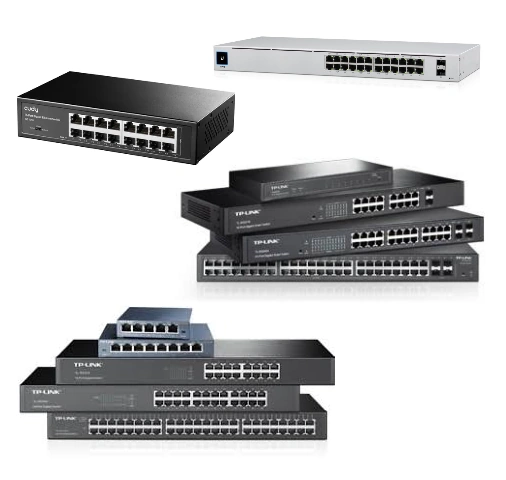
Yes. We design modularly – adding a Mesh unit or another access point is common. If expansion is anticipated from the start (e.g., PoE switch, cable routes), it can be done without unnecessary interventions.
It depends on the scope. For a flat / smaller house, it is usually done within a day; larger properties or multiple buildings require more time (cabling, outdoor components). We will give you a realistic timeline after the site survey.
We are a direct TP‑Link partner (Deco / Omada), but we also use other proven brands. We choose the solution based on the property, requirements, and budget – the goal is stability, not a logo on the box.